Resume your work,
not your tabs.
Continuum is a task-first, privacy-native browser with AI Agent, built-in ad blocking, and workspace resume. Pick up exactly where you left off.
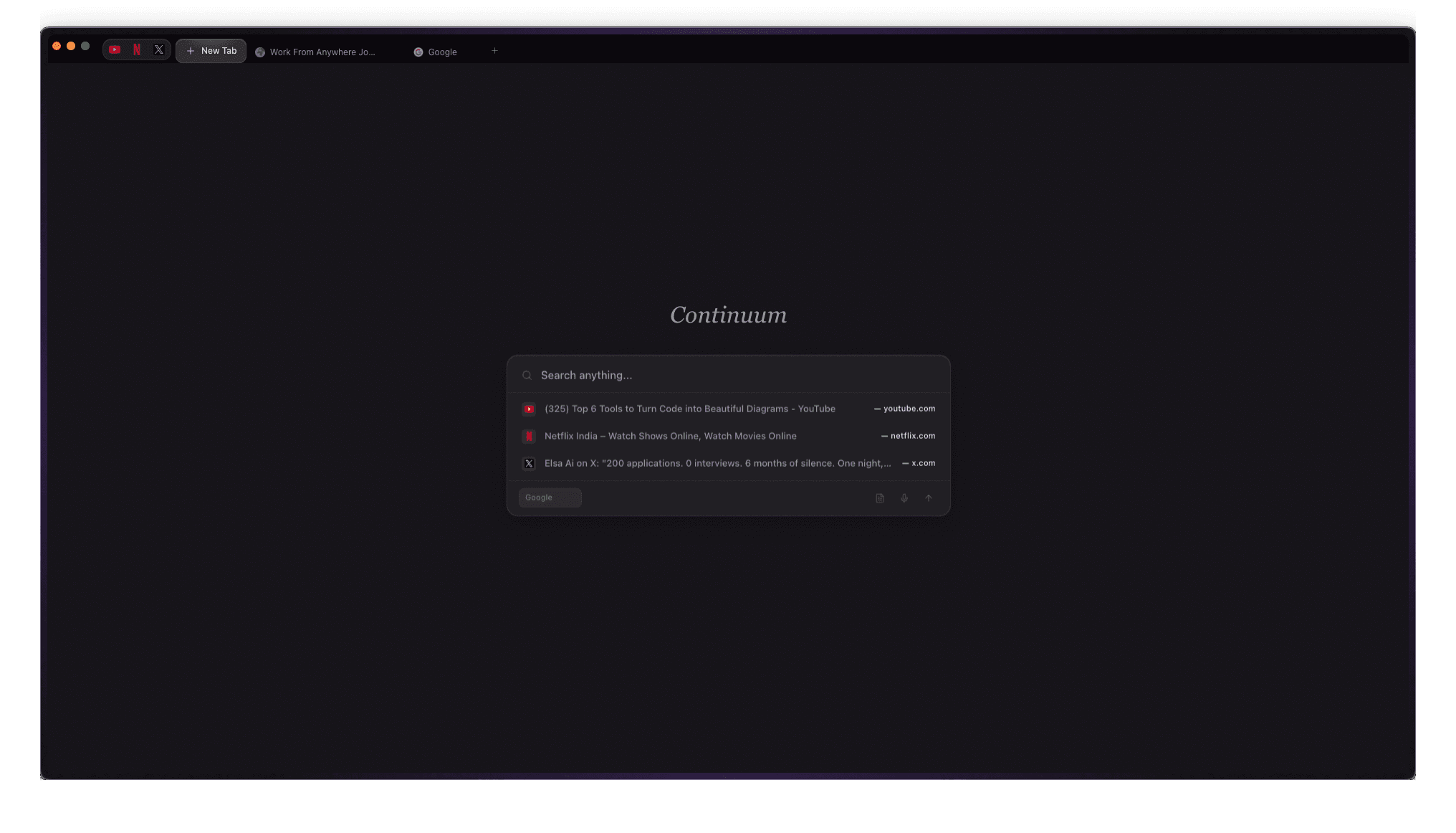
Unlike Chrome where tabs disappear and context is lost, Continuum treats your browsing as continuous work. Workspaces persist. Scroll positions restore. Notes stay with your research. AI assists your workflow.
Features
Built for how you work
Everything you need for focused, privacy-first browsing with an AI agent that actually helps.
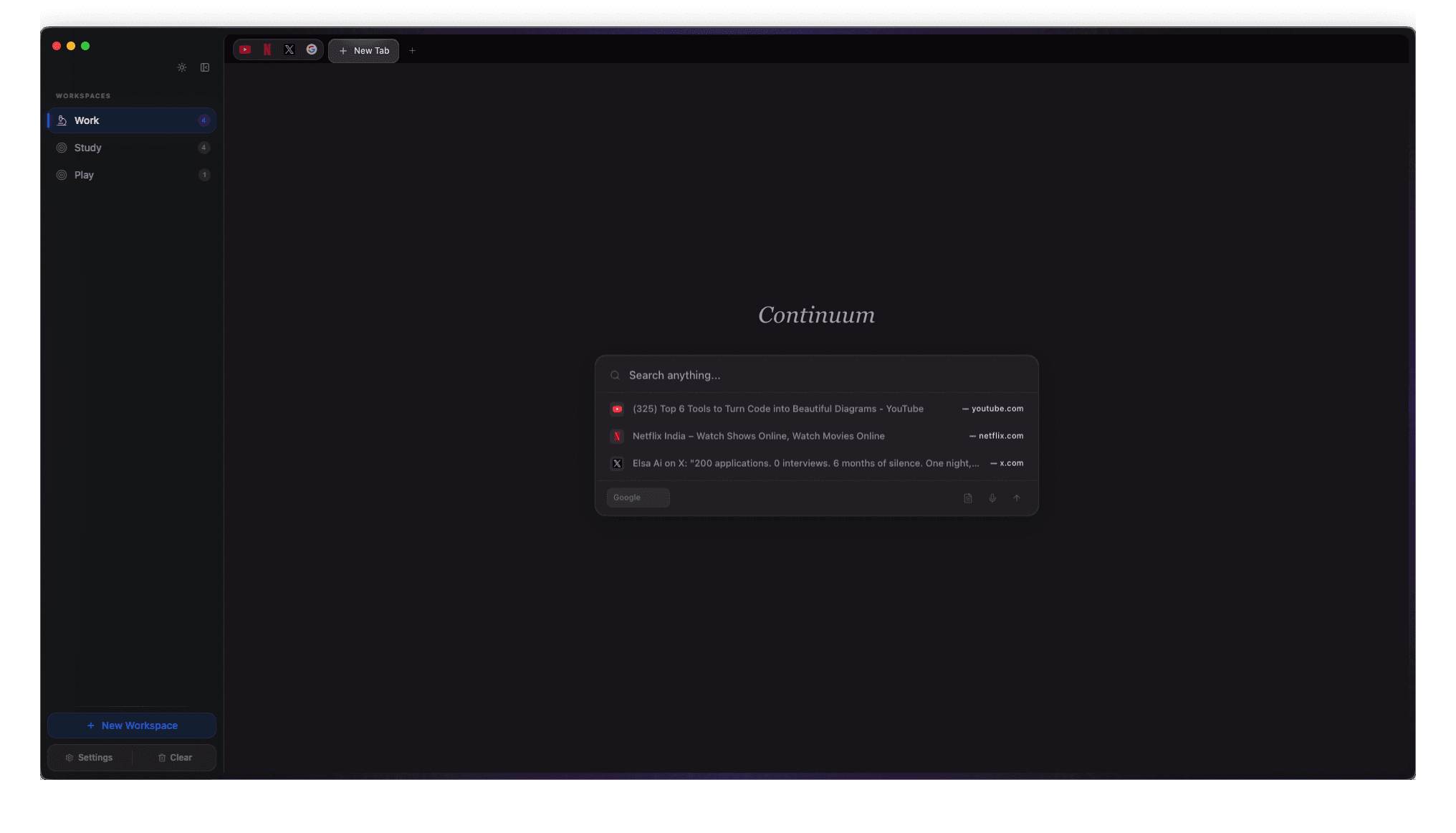
Workspace Resume
Return to any page exactly where you left off. Cascading restore: DOM anchor, scroll ratio, pixel position, and redirect detection.
AI Agent (Second Brain)
Chat or delegate tasks to your AI. Summarize pages, fill forms, navigate with multi-provider support and BYOK privacy.
Continuum Shield
Real local hash-prefix DB with 4 live threat feeds. Runtime hardening, multi-layer fingerprint resistance, behavioral worker monitoring, and 164K+ filter rules.
Quick Switcher
Cmd+K to instantly jump between Workspaces. Debounced search, keyboard navigation, and smart sorting.
Notes Panel
Markdown-friendly scratchpad per Workspace. Right-click 'Send to Notes' to clip content from any webpage instantly.
Privacy First
No telemetry. Per-site permissions. Anti-fingerprinting. Cookie blocking. Nothing leaves your machine.
Multi-Engine Search
6 search engines: Google, Bing, DuckDuckGo, Yahoo, Ecosia, Naver. Persisted preference with URL auto-detection.
P2P Sync (beta)
Sync across devices with end-to-end encryption. Peer-to-peer WebRTC with no cloud required.
DRM Content
Built-in Widevine CDM. Netflix, Spotify, Disney+ protected streaming works out of the box.
Preview
See it in action
Continuum Shield
Real, active protection running locally in your browser. Not just an ad blocker, a complete security engine.
Safe Browsing
Real local hash-prefix DB (122K+ entries) with 4 live threat feeds (URLhaus, PhishTank, OpenPhish, crypto-miners).
Download Quarantine
Checks 40+ dangerous extensions, double-extension attacks, and source URL reputation. High-risk files are quarantined automatically.
Runtime Hardening
Injects upgrade-insecure-requests CSP, strips leaky headers, and blocks crypto-miner WebSocket connections at the network layer.
Fingerprint Resistance
Canvas/AudioContext noise, WebGL/userAgent spoofing, WebRTC IP leak protection, font enumeration noise, and metrics normalization.
Behavioral Monitor
Actively detects excessive WebAssembly instantiation (>3 in 10s) and Worker spawns (>4) to block hidden crypto-mining.
Live Dashboard
Stats & config persisted to disk. Toggles work end-to-end, and the security dashboard reads live data every 5 seconds.
Meet the AI Agent
Your second brain inside the browser. Ask questions, summarize pages, fill forms, navigate with multi-provider support for OpenAI, Gemini, Claude, and GitHub Models. Bring your own API key.
Chat Mode
Summarize pages, explain content, and ask questions read-only and safe.
Agent Mode
Fill forms, click buttons, and navigate pages with granular permissions and human approval.
BYOK Privacy
Bring Your Own Key. Works with OpenAI, Gemini, Claude, or GitHub Models. Your keys, your data.
Comparison
Why switch?
About
The story behind Continuum
Hi, I'm Mahesh Rao. I built Continuum because I was frustrated with how browsers treat our work as disposable tabs rather than ongoing projects.
Every time I closed my browser, I lost context. Scroll positions, tab arrangements, the mental state of what I was researching all gone. I wanted a browser that understood that work is continuous, not session-based.
Continuum is my answer: a browser designed around how we actually work. It preserves everything so you can pick up exactly where you left off, whether that's five minutes or five days later.
Download
Try Continuum today
Free during beta. Available for macOS and Windows.
First launch on macOS?
Since Continuum isn't notarized yet, go to System Settings → Privacy & Security and click "Open Anyway" after the first launch attempt.